 Mailboxly Support Inbox
Mailboxly Support Inbox
Mailboxly Support Inbox
Mailboxly Support Inbox connects your Gmail, Outlook, or IMAP mailbox with Shopify Admin so customer emails become tickets your team can answer, tag, close, automate, and track.
Mailboxly connects through Nylas. You bring your own mailbox. Messages are sent from your connected mailbox.
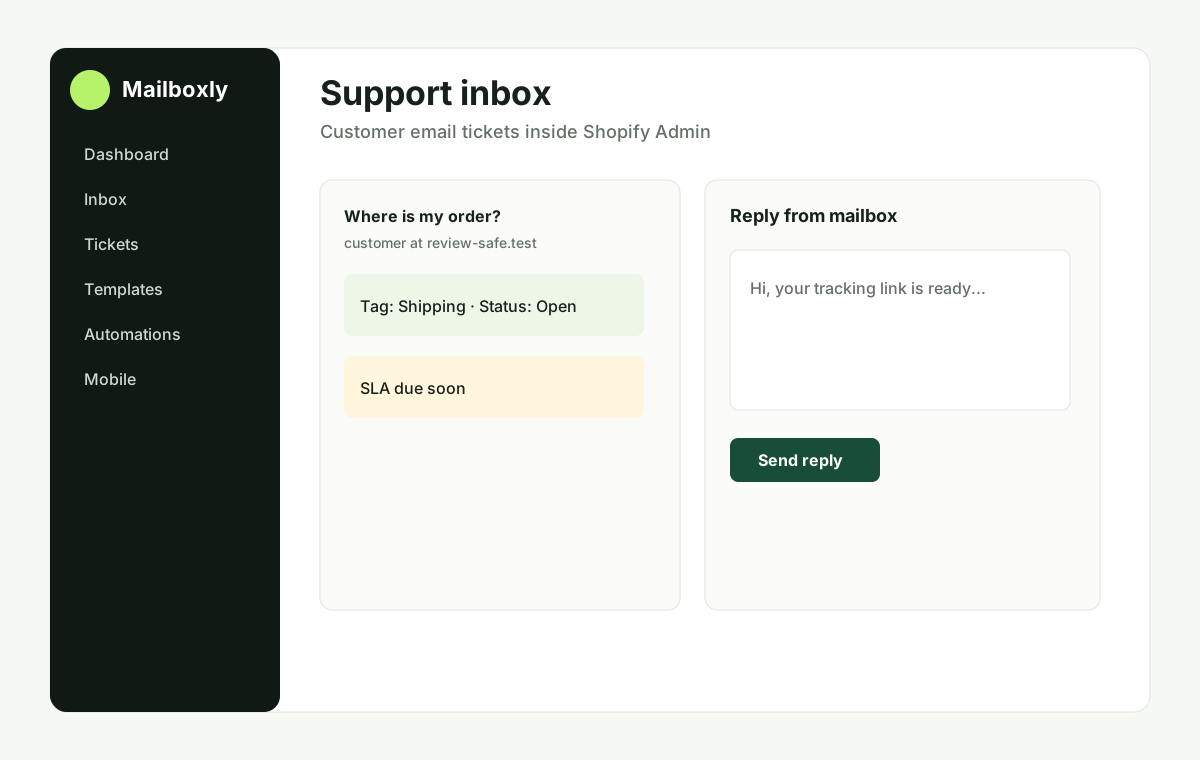
Connect Gmail, Microsoft 365, Outlook, Yahoo, iCloud or IMAP through Nylas Hosted OAuth.
Search, filter, tag, prioritize, assign, add internal notes, reply, forward, and close customer email tickets.
Templates, signatures, automations, business-hours auto-replies, SLA alerts, and optional AI suggestions.
When approved, see customer and recent order context without modifying orders, customers, products, themes, checkout, or POS.
Responsive embedded app, PWA-style flows, and native mobile app foundation with secure device sessions.
No mailbox passwords are collected. Attachments stay private, and AI is opt-in only.